


Google Ads that aren't working usually have a targeting and setup problem, not a tracking or channel problem. Run 5 checks in order and fix the first one that fails.
- Check first: your search terms. Broad match and loose location settings buy clicks from people who never buy.
- The other 4: the ad and offer, the landing page on a phone, tracking, then disapprovals and suspensions.
- How long to wait: give a search campaign about 100 to 125 clicks before judging zero conversions.
- Tracking: count phone calls, form submissions and bookings. Setup takes a skilled person a few hours.
- Low search demand: give Google a smaller job, such as YouTube and Demand Gen at $5 to $20 a day.
Published by Bytown: why Google Ads stop working for small businesses, and the 5 checks that find the cause. I've audited more than 100 ad accounts over my career. When an owner tells me "Google Ads doesn't work", the cause is usually targeting and setup, not tracking and not the channel.
Here's why tracking comes later than most guides put it. Even when conversion tracking is broken, a real lead still shows up. The phone rings, the form lands in your inbox.
You can see the business arriving even when Google can't count it. What you can't see is the money spent on people who were never going to buy. That leak lives in the targeting.
| Check, in order | The question to ask | Where to look | What broken looks like |
|---|---|---|---|
| 1. The searches you pay for | Would the people behind my top 10 searches ever buy? | Search terms report, sorted by cost; campaign location settings | Big spend on "free", "DIY", "jobs" or places you don't serve |
| 2. The ad and the offer | Would I click this over the 3 ads above it? | Your ads, next to a search for your own keyword | No price, no reason to act today, the same words as everyone else |
| 3. The landing page | Can a stranger on a phone become a customer in 1 minute? | Your page on your own phone, on mobile data | A wall of text, no form above the fold, a button that hides |
| 4. Tracking | Do I know which clicks turned into calls, forms or bookings? | Goals → Conversions, status column | "Unverified", "Tag inactive", or no conversion action at all |
| 5. Account health | Is everything I built actually allowed to run? | Ads status column, policy details, account notifications | Disapproved ads, "Eligible (limited)", a suspension notice |
Work down the list and stop at the first thing that's broken. Fix it, give it enough clicks to judge, then move on. The order matters because the first checks are the cheapest to fix.
1. Are you paying for the right searches?
This is the most common fault I find and the easiest to fix. Broad match keywords, left alone, pull in searches that look related to your business and never buy.
Picture this:
A kitchen renovator pays for "free house plans". A law firm pays for "law school jobs". A dentist pays for "dental assistant salary".
Ask these questions, in this order, and check each one where it lives:
- What did my 10 most expensive searches cost last month? Open the search terms report, sort by cost, and read every line out loud. Anything a buyer would never type goes on your negative keyword list.
- Which match types am I using? Check the keywords list. If everything is broad match on a small budget, you're asking Google to guess. Phrase and exact match keep the guessing on a shorter leash. The match types glossary explains the difference.
- Who does my location setting include? Open the campaign settings, then Locations, then Location options. Google's own help page says the broad setting, "Presence or Interest", reaches people "who not only exist in your targeted locations, but have shown an interest in your targeted locations." (Google Ads Help) For a business that can only serve people who live nearby, that's often the wrong audience.
- Did anything change on its own? From September 2026 Google upgraded campaigns using campaign-level broad match or automatically created assets to AI Max, with search term matching on by default. Our 2026 changes log has the dates and where to check.
Interested in a place is not the same as living there.
One of our current customers, an international fintech, set its campaigns up quickly in several countries and targeted people interested in those places, locals and travellers alike, instead of the people who lived there.
It paid for the clicks, and it taught the algorithm from the wrong people. We switched the targeting to residents and put the same budget behind better, broader targeting.
- Cost per lead fell about 19%.
- Lead-to-demo conversion went from about 25% to about 65%.
No money was saved. The same spend just started working.
The point is: a 19% cheaper lead is a home run when you run ads at scale, and it came from a settings screen, not a new campaign.
2. Is the ad saying anything worth clicking?
An ad that describes you without giving a reason to act loses to one that does. Search your own main keyword, then read your ad next to the 3 above it. If they all offer a free quote, a price or a same-week appointment and yours says "quality service since 1998", that's the answer.
2 questions sort most ads:
- Is there an offer? A price, a free estimate, a guarantee, a deadline. Something that gives value before the sale.
- Does it say who it's for? "Emergency furnace repair in Kanata" beats "HVAC services". Specific words get the click from the person who needs you and get skipped by the one who doesn't.
3. Does the landing page keep the click?
This is the one owners underrate most. The usual faults are plain: a page with too many words, a page that isn't specific to what the ad promised, a form hidden below 3 screens of text, and, even now, pages that simply don't work on a phone.
Here's the uncomfortable part. Your visitor spent the morning in Uber, Google Maps, Amazon and Instagram. Those apps are designed and tested to within an inch of their lives, and that's now the standard people expect from every screen.
When your page is slow, cluttered or confusing, they don't think "small business, fair enough". They think "this isn't what I was looking for", and they leave. You paid for that click.
The test takes 2 minutes. Click your own ad on your phone, on mobile data, and try to become a customer:
- Does the first screen say what the ad said?
- Can you see how to call or book without scrolling?
- Does the form send, and does the phone number dial?
If any answer is no, fix the page before you touch the campaign. Our guide to clicks with no conversions walks through the page checks, including the "Destination not crawlable" error.
4. Is tracking telling Google who bought?
Tracking matters for a reason owners rarely hear. It sends data back to Google so the system can bid on the people most like your buyers. Without it, Google optimizes for clicks, and clicks are cheap for a reason.
It is also where the fear is biggest, and it doesn't need to be. A local business can start with 3 things:
- Phone calls from the ad and from the website.
- Contact form submissions, counted on the thank-you page.
- Bookings, by connecting the booking system you already use.
Setting it up properly is a niche skill. The people who are good at it understand how websites are built, how tracking works behind the scenes, and exactly where to look and test. That takes years to learn, so don't learn it for 1 account.
Here's the good news.
For someone who knows how, it's a few hours of work at most, end to end. The fastest fix is a freelancer with both web and advertising experience. That's also what we do at Bytown: email hello@bytown.co and we'll set it up for you.
Google's statuses tell you where you stand. "Unverified" and "Tag inactive" both mean the tag isn't recording. The help page walks through fixing each one. (Google Ads Help)
5. Is the account allowed to run?
Sometimes nothing is wrong with the strategy. The ads just aren't running.
Google is clear that "a disapproved ad won't be able to run until the policy violation is fixed and the ad is reviewed again." (Google Ads Help) Add the "Policy details" column to your ads table and read it.
Suspensions are more serious. Google suspends accounts for repeated policy violations, with a warning first, and for "egregious" violations "immediately without prior warning". Accounts can also be suspended for billing reasons such as an unpaid balance, or temporarily when Google detects someone else trying to get into the account. (Google Ads Help)
Simply put:
If you see a suspension notice, stop everything else and fix that first.
The habit that makes all 5 worse
Budget, the algorithm and time can each be the real answer. "Give it more time" is sometimes right. So is "you need a bigger budget".
The damage comes from something else: deciding too fast.
It looks like this. Ads go live on Monday. No lead by Tuesday.
On Wednesday everything changes: new keywords, new ads, new bids. The same thing happens the next week.
Sound familiar?
That isn't a strategy. It's being reactive to a fear, and it stops the campaign from ever collecting enough data to tell you anything.
My working rule for a search campaign is roughly 100 to 125 clicks before zero conversions means much.
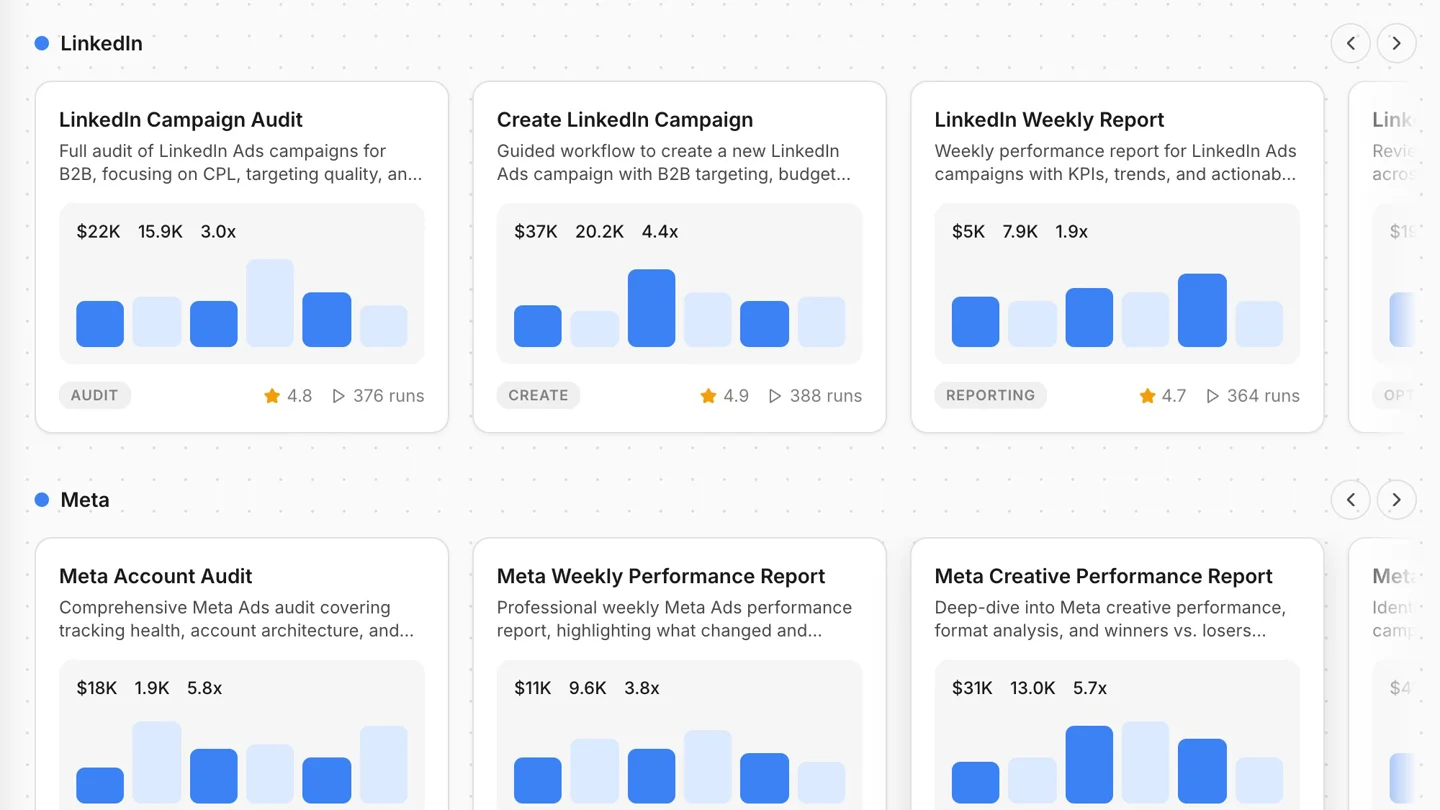
The opposite duty matters too. Whoever runs your ads, agency or tool, should tell you plainly when a channel is only a partial fit or has hit its ceiling. Bytown is built to do that: it watches the account around the clock, learns from it, and comes back with a clear explanation and a recommended fix.
When Google Ads really is the wrong channel
The red flag is low search demand. If very few people search for what you sell, there isn't much to buy, and the few clicks that exist are often expensive.
That doesn't mean switching Google off. It means giving it a smaller, different job.
Here's the deal.
For $5 to $20 a day, YouTube and Demand Gen (Google's successor to Display ads) can show your ads to people who visited your site, and introduce you to people who haven't heard of you yet.
That's brand building: positioning your business and sharing a new perspective on your market, so that when the need comes, your name is the one they search.
Our 2026 changes log covers what changed in Demand Gen this year.
How Bytown runs these checks without logging in
You can do every check on this page by hand. Bytown does them for connected accounts without you opening Google Ads, and stages each fix for your approval. Here is how Bytown shows each check, on a demo account.
Where is my Google Ads budget being wasted?
Found $186 of spend last month on searches that never convert, such as “free house plans” and “diy kitchen remodel”. Two ads in Kitchen Renovation also spent $131 with zero leads.
Blocking those searches and pausing the two ads saves about $317 a month.
 Google Ads · Kitchen Renovation
These searches spent $186 in 30 days without a single lead.
| Setting | Before | Now |
|---|---|---|
| Negative keywords | None | free house plansdiy kitchen remodelkitchen remodel cost calculator+11 more |
Move 15% of my budget to retargeting.
15% of your $70 a day is $10.50. I'd take it from Kitchen Renovation, which has the highest cost per lead, and give it to Retargeting.
Google Ads · 2 campaignsTotal daily spend stays at $70.00.
| Setting | Current | New |
|---|---|---|
| Retargeting daily budget | $10.00 | $20.50 |
| Kitchen Renovation daily budget | $20.00 | $9.50 |
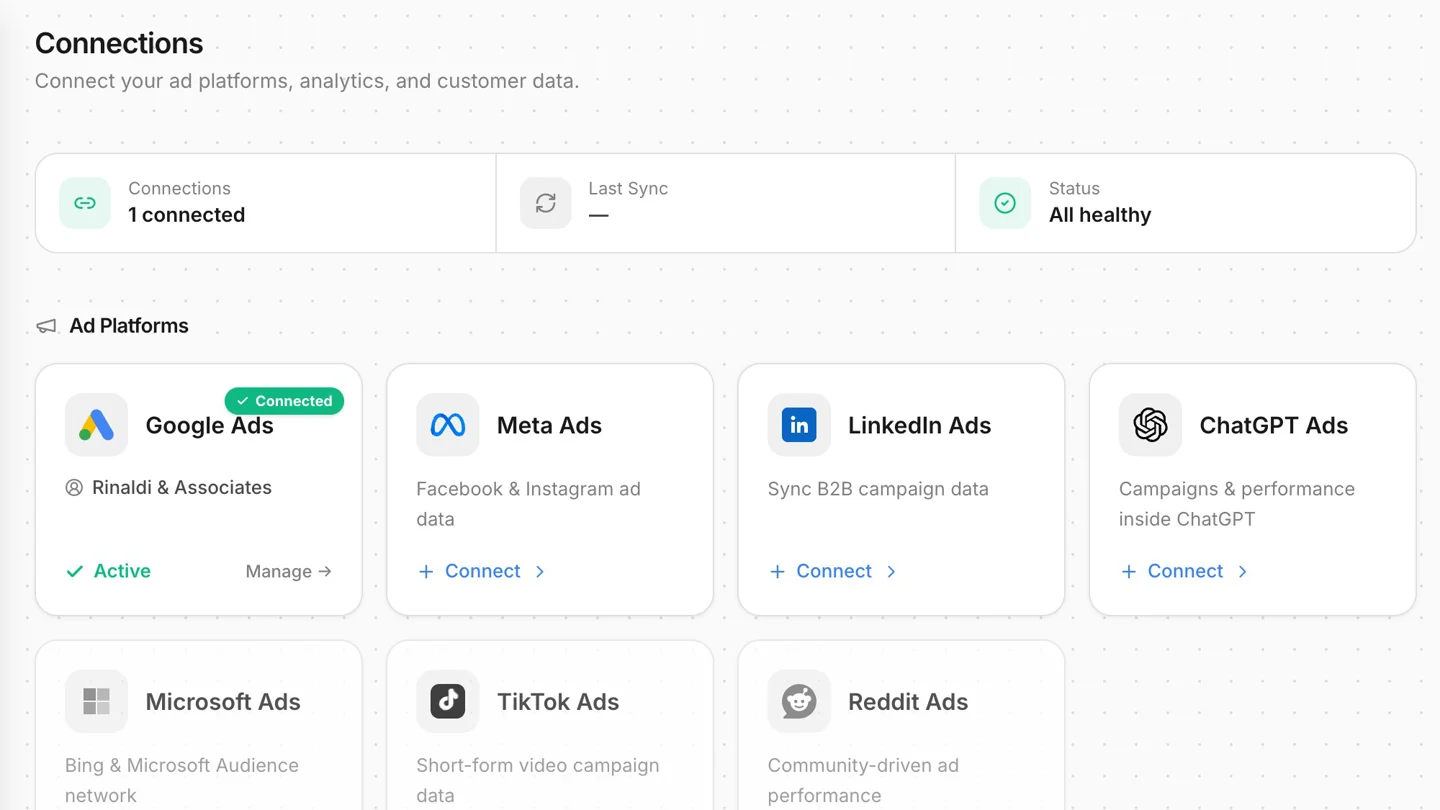
Prefer to work in Claude? The Bytown MCP lets you ask the same questions from Claude or ChatGPT, across Google, Meta, LinkedIn and ChatGPT Ads, with every change still waiting for your confirmation.
Common questions
Why are my Google Ads not getting any results?
Usually because of targeting and setup, not the channel. Check the searches you pay for first, then the ad and offer, then the landing page on a phone, then tracking, then whether the ads are disapproved or the account is suspended. Stop at the first thing that's broken.
Is Google Ads worth it for a small business in 2026?
For most local businesses with real search demand, yes, when the targeting is tight and the landing page works. Where few people search for what you sell, Google still has a smaller job: $5 to $20 a day on YouTube and Demand Gen for retargeting and brand building.
How long should I give Google Ads before deciding it doesn't work?
Long enough to collect data, not a fixed number of days. My working rule for a search campaign is roughly 100 to 125 clicks before zero conversions means much. Changing everything every few days resets the learning and tells you nothing.
Do I need conversion tracking before I run Google Ads?
You'll see real leads without it, but Google can't learn who your buyers are. A local business can start with phone calls, contact form submissions and bookings. It's a few hours of work for someone who knows how.
Why was my Google Ads account suspended?
Google suspends accounts for repeated policy violations after a warning, for egregious violations without warning, for billing problems such as an unpaid balance, and temporarily when it detects unauthorized access. The suspension notice names the reason. Fix that before anything else.
Sources
- Google Ads Help, "Target ads to geographic locations": support.google.com/google-ads/answer/1722043
- Google Ads Help, "Fix a disapproved ad or appeal a policy decision": support.google.com/google-ads/answer/9338593
- Google Ads Help, "Google Ads account suspensions overview": support.google.com/google-ads/answer/9841640
- Google Ads Help, "Use Tag Assistant to troubleshoot your unverified or inactive conversion actions": support.google.com/google-ads/answer/10989978
- App screens: Bytown, demo account, September 2026.
Find out which of the 5 is costing you
Bytown checks your search terms, ads and tracking across Google, Meta, LinkedIn and ChatGPT Ads, and stages every fix for your approval.
Generate a free campaign Tracking broken? Email hello@bytown.co and we'll set it up.